The Store
Plugins — VST3 / AU
Native plugins for every DAW. macOS today, Windows coming.
Throb
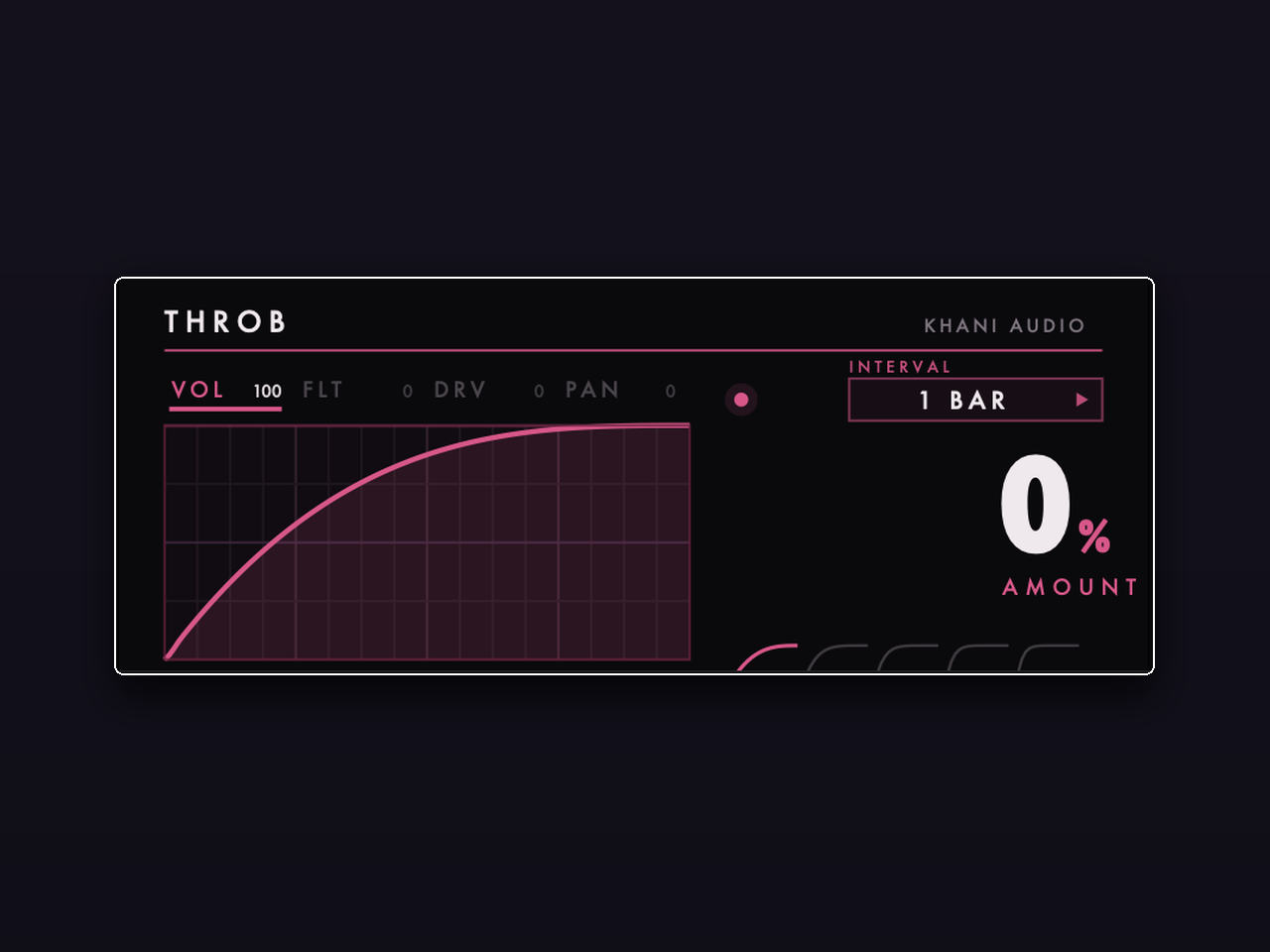
$9.99Draw the pump. Volume, filter, drive and pan shaping in one device. Throb gives you a canvas: draw your own curve and it reshapes your sound every bar, half, or beat — classic sidechain pump, stutters, fades, swells, whatever you can sketch. Four modules run in series, each with its own drawable curve and mix amount. WHAT YOU GET - Draw-in waveform editor with smooth curve interpolation, per module - Four modules: VOLUME, FILTER, DRIVE and PAN — mix each in independently - INTERVAL control to sync curves to 1 bar, half, or quarter - AMOUNT macro to scale the whole effect from gentle breathing to full duck VST3 + Audio Unit, macOS and Windows. Works in Ableton Live, Logic, FL Studio, Cubase, Reaper and every major DAW. Instant download.
Forever Cheesing
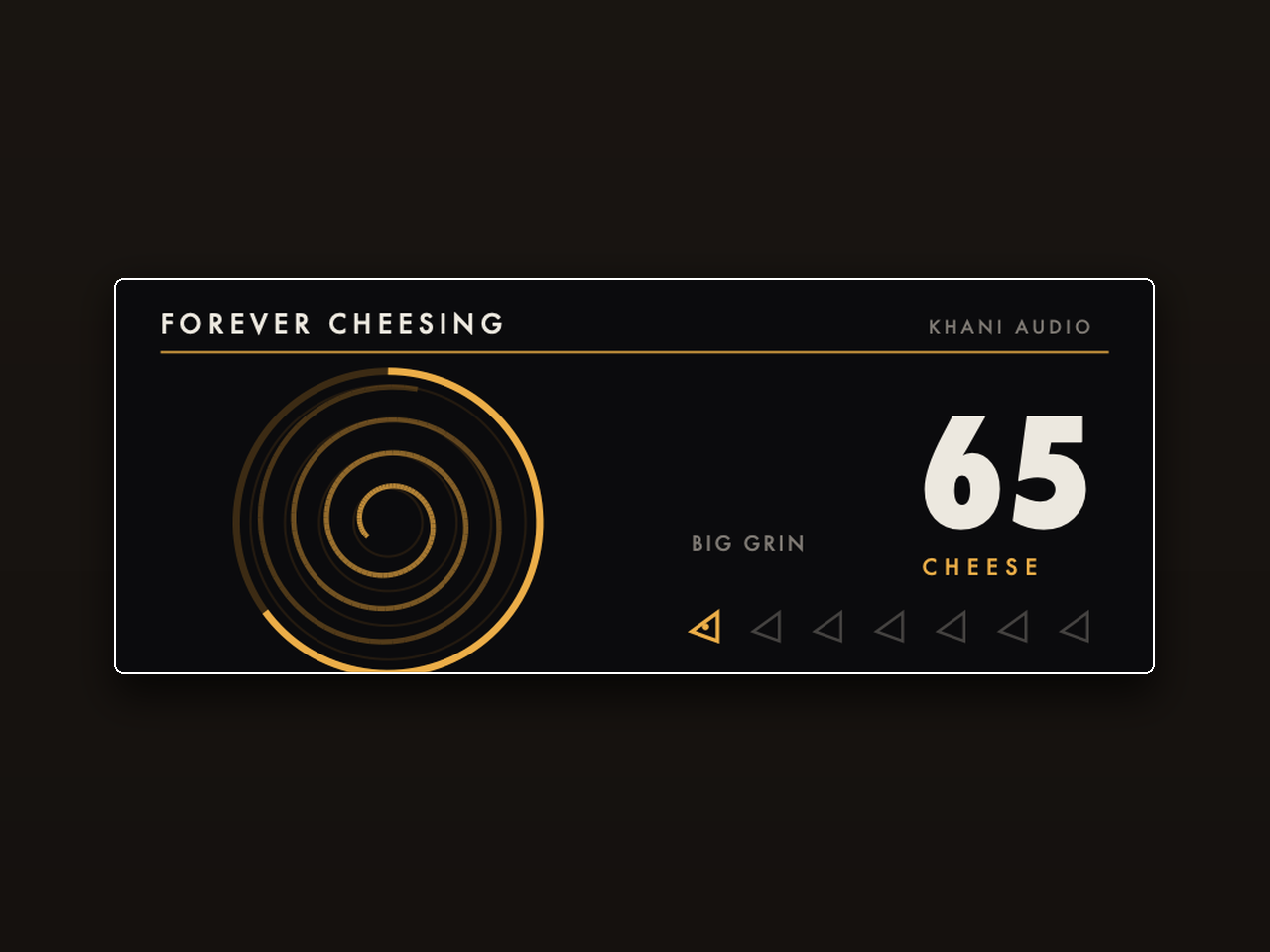
$9.99One knob. Endless build-up. Turn CHEESE and the rise builds itself: a climbing filter sweep, widening wash, air and grit stacking up until the drop. Everything is musically staged on a single macro, so one automation lane writes your whole transition. WHAT YOU GET - Single CHEESE macro that choreographs filter, reverb wash, air and drive together - 7 presets from subtle lift to full send (Big Grin, and friends) - Loudness-aware staging: the build gets more intense, not just louder - Fully automatable — draw one ramp, get a finished riser VST3 + Audio Unit, macOS and Windows. Works in Ableton Live, Logic, FL Studio, Cubase, Reaper and every major DAW. Instant download.
Smooth
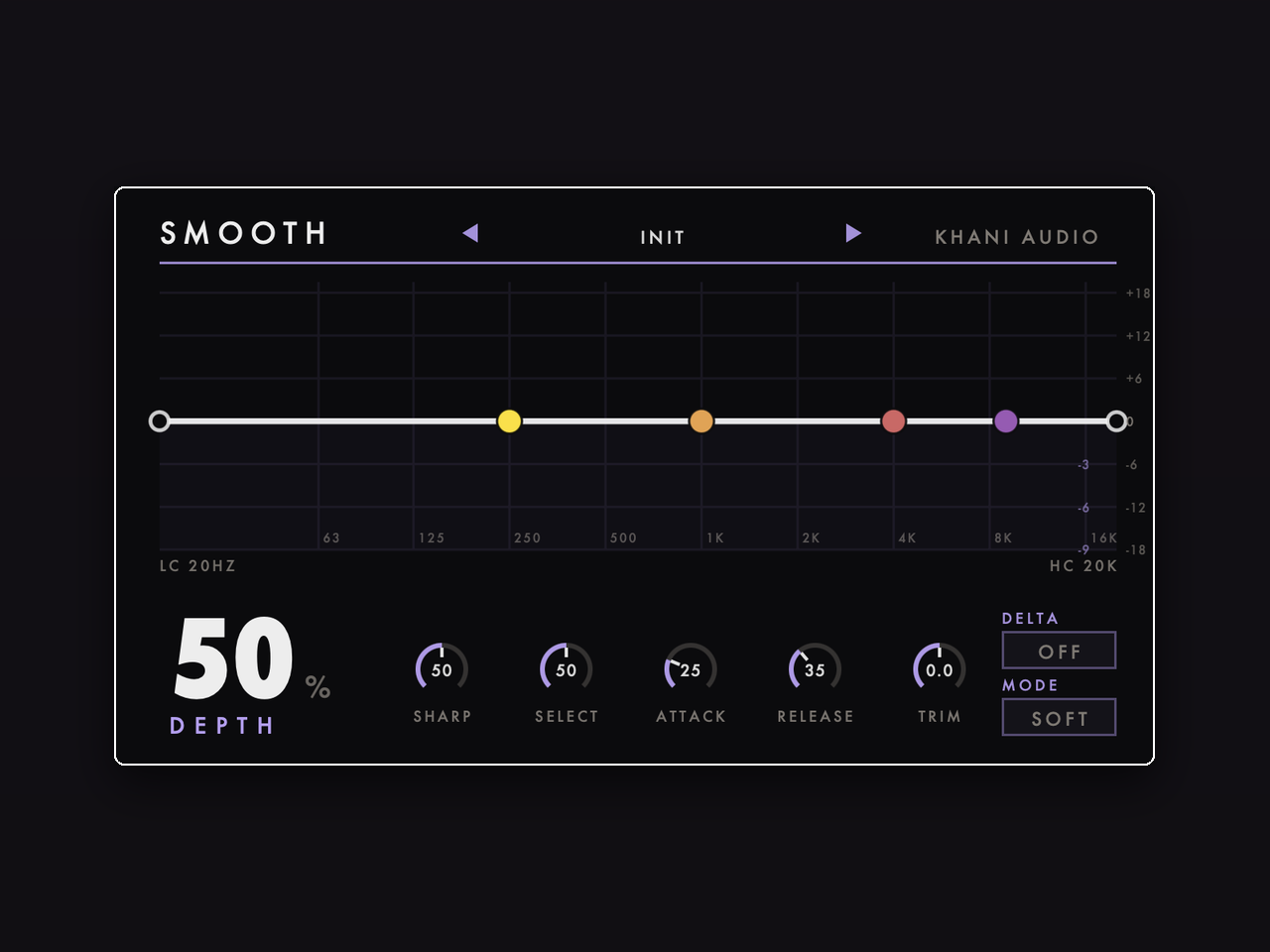
$49.99Harshness, gone. Automatically. Smooth listens across the spectrum and ducks only the frequencies that stick out — harsh cymbals, piercing vocals, screechy synths — only while they stick out. Sixteen dynamic bands act like an intelligent EQ that moves faster than you can. WHAT YOU GET - 16 dynamic bands from 80 Hz to 14 kHz with continuous spectrum display - DEPTH macro for overall suppression; SHARP, SELECT, ATTACK, RELEASE and TRIM for fine control - LOWCUT/HIGHCUT range markers to focus processing anywhere from de-boom to de-ess - DELTA mode to solo exactly what's being removed, SOFT/HARD modes - 8 presets: vocal harshness, de-ess, cymbals, full mix, bass boom, acoustic guitar and more VST3 + Audio Unit, macOS and Windows. Works in Ableton Live, Logic, FL Studio, Cubase, Reaper and every major DAW. Instant download.
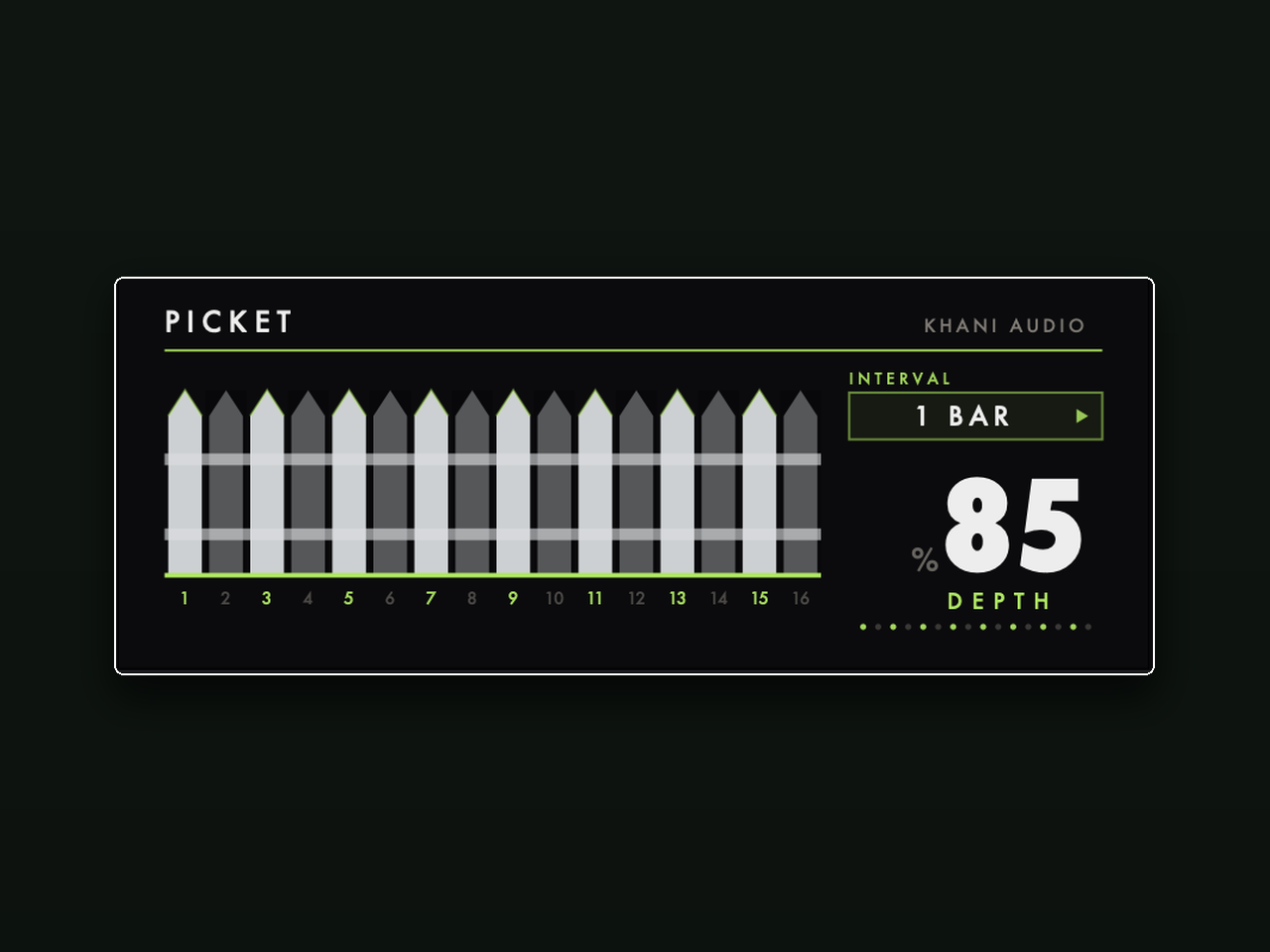
Picket
$9.99A trance gate that looks like a white picket fence. Sixteen pickets, one per step. Click a picket to knock it down — that step gets chopped. Keep it up and audio passes. Pick your interval (2 bars, 1 bar, half, quarter) and Picket slices pads, chords and textures into rhythm, locked to your session tempo. WHAT YOU GET - 16-step gate sequencer as an interactive fence — click pickets on and off - INTERVAL control: spread the pattern over 2 bars down to a quarter note - DEPTH knob to blend from subtle pumping to hard chop - Smooth, click-free gating that stays glued to the transport VST3 + Audio Unit, macOS and Windows. Works in Ableton Live, Logic, FL Studio, Cubase, Reaper and every major DAW. Instant download.
Free
On the house. Grab them, make something.
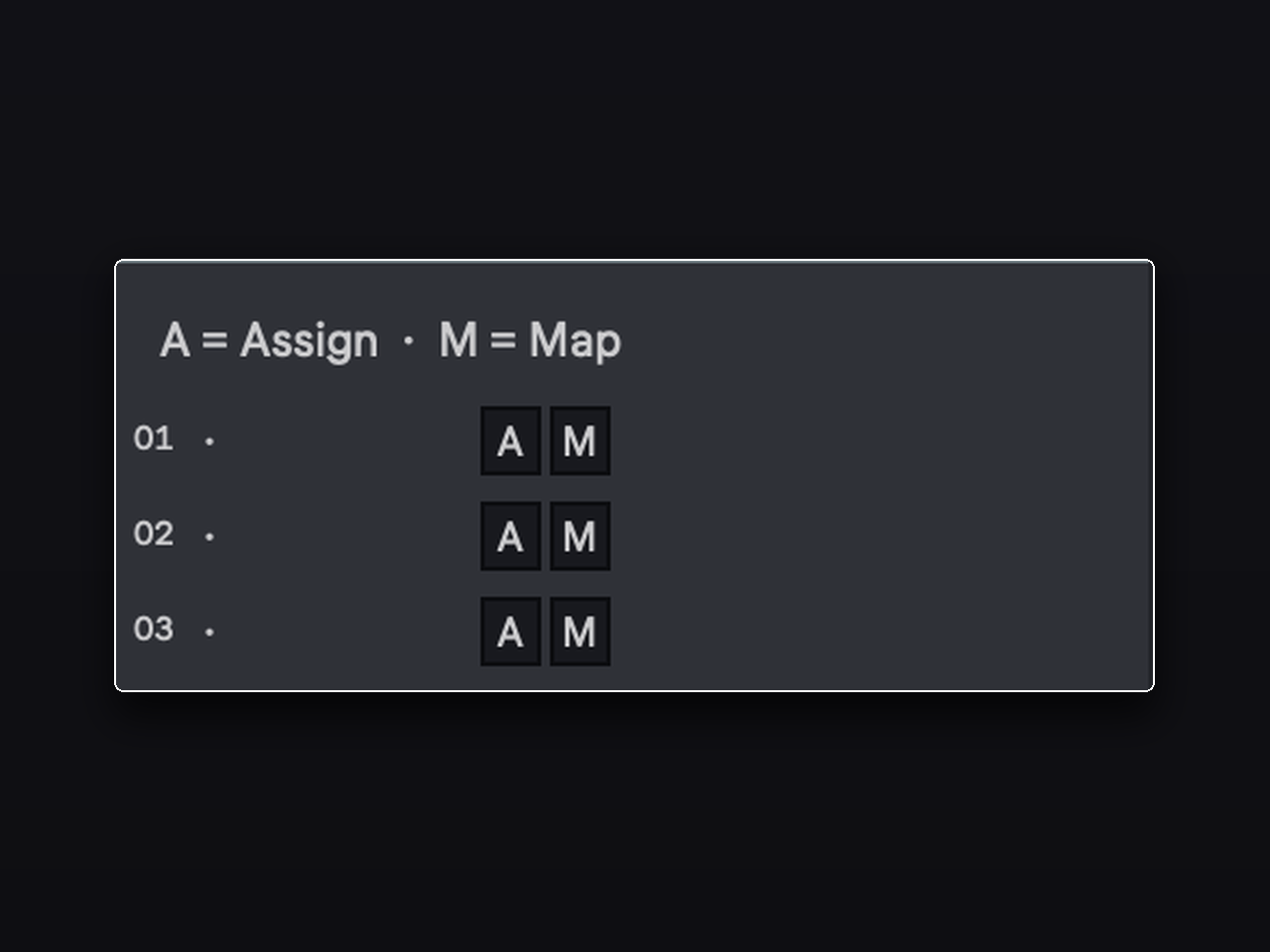
Ablecut Lite
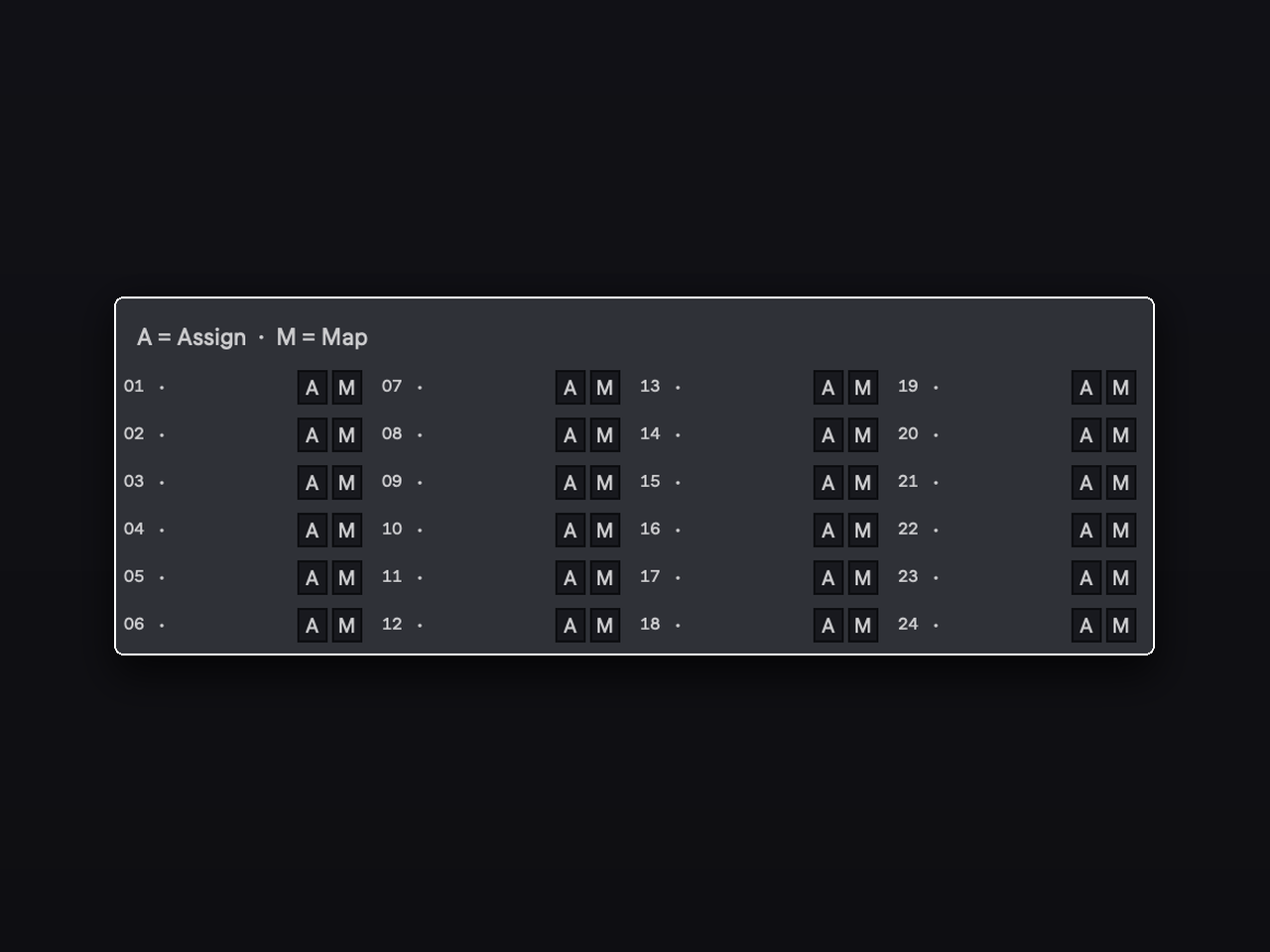
FreeStop hunting through the browser mid-session. Ablecut Lite gives you 3 instant-launch slots for your most-used devices — instruments, effects, racks, and presets. Assign any device once, then fire it onto any track with a single keypress. Free, forever. FEATURES - 3 named slots, each holding any Ableton device or preset - Insert or Replace loading modes - Works with native Ableton devices, third-party plugins (VST/AU), and racks - Requires Ableton Live 12.2+ with Max for Live (macOS or Windows) Need more slots? Upgrade to Ablecut for a full 24-slot launcher. HOW IT WORKS Assign: Select a track with the device you want to save, then click the A button on any slot. Ablecut Lite captures it automatically. Map: Press Cmd+K (Mac) / Ctrl+K (Windows), click the M button on a slot, then press the key you want. That key now loads the device onto your selected track — no clicks needed. Load: Click a slot number or press its mapped key to instantly insert the saved device onto the currently selected track. INSTALLATION 1. Unzip the download. 2. Drag ablecut-lite.amxd into your Ableton User Library folder. 3. Drag Ablecut Lite onto any MIDI track. Done.
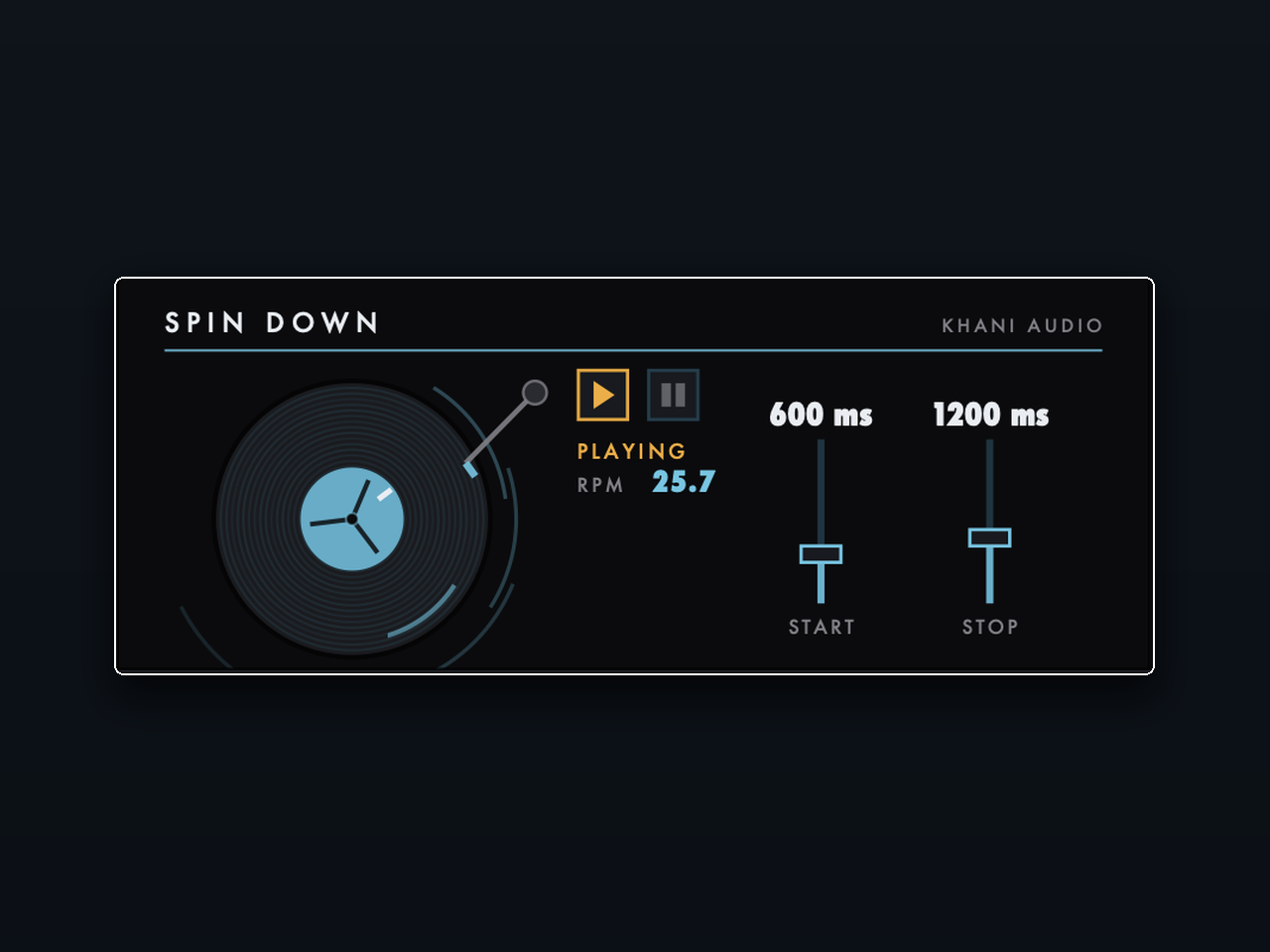
Spin Down
FreeThe turntable tape-stop, for every DAW. One button. Hit pause and your track winds down like a record losing power — pitch and speed falling together, exactly like vinyl. Hit play and it spins back up to full speed. The whole device is a working turntable: spinning platter, tonearm, live RPM readout. WHAT YOU GET - PLAY/PAUSE transport with DJ-style spin-down and spin-up - START and STOP speed faders (in milliseconds) to shape how fast the motor dies and revives - Fully transparent when running — zero coloration until you pull the brake - Automatable from Live, so drops land exactly where you want them VST3 + Audio Unit, macOS and Windows. Works in Ableton Live, Logic, FL Studio, Cubase, Reaper and every major DAW. Instant download.
Max for Live
Workflow tools that live inside Ableton's device chain.